
Bellman & Symfon Visit Push Button Transmitter
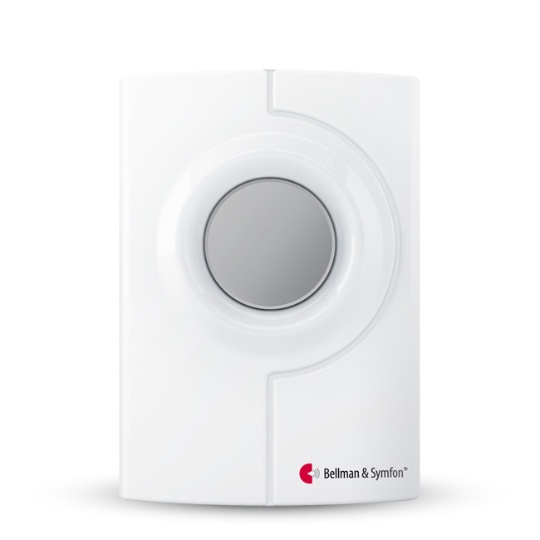


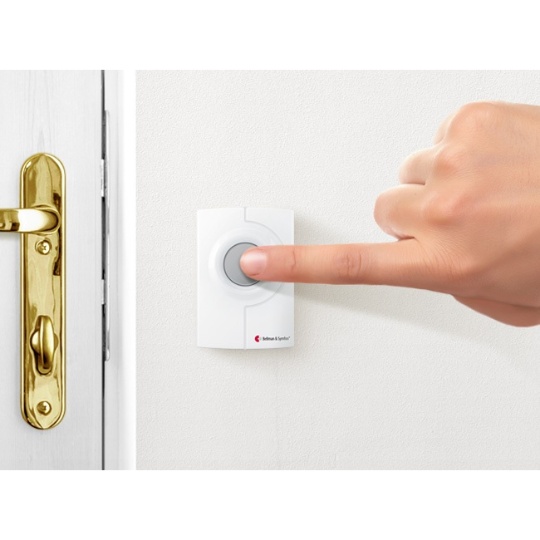

Bellman & Symfon Visit Push Button Transmitter
SKU #HC-VISIT/PBTR IN STOCK
$89.95
QTY
Lowest price, guaranteed
- Overview
- Additional Details
- Accessories
- Q&A
- Customer Reviews
- Manual
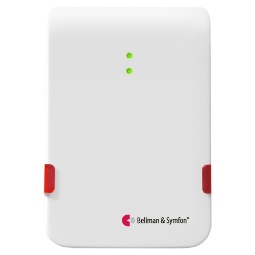
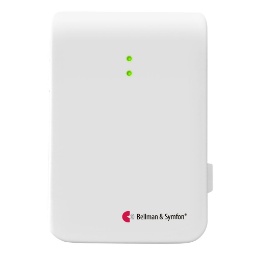
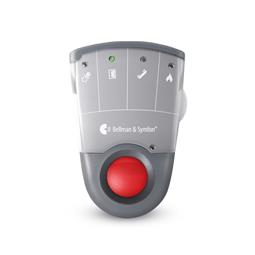
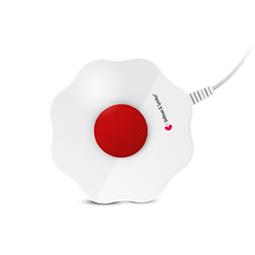
When the Push Button Transmitter is pressed, a radio signal is sent to any Bellman Visit receiver. Attach the Push Button Transmitter outside your door to use as a doorbell, or indoors to get someone's attention (neck lanyard included). For indoor use and outdoors in sheltered locations. Includes one PX28A alkaline battery.
What else do I need to make this work?
In order to be notified, you will need to purchase a receiver that lets you know when the signaler or transmitter is activated.
| Feature | Details | |
|---|---|---|
| Brand | Bellman & Symfon | |
| Mfg part # | BE1240-433 | |
| UPC | 7331646002107 | |
| Warranty | Two year warranty | |
| Color | White | |
| Weight (lbs) | 0.25 | |
| Battery operated? | Yes (batteries required) | |
| Batteries included? | Yes | |
| Battery details | (1) PX28A Alkaline | |
| Country of Manufacture | China | |
| System | Bellman & Symfon Visit | |
| Alert Type(s) Vibration Flashing Light Loud Audible Low Vision / Deaf-Blind | No No No No | |
| Transmitter / Receiver | Transmitter | |
| Alert Trigger(s) Baby Cry Carbon Monoxide Mobile / Smartphone Doorbell / door knock Motion Pager / SOS Phone / VP Smoke / Fire Sound Severe Weather | No No No Yes No Yes No No No No | |
| Range (ft) | 100 | |
| Expandable | Yes | |
| Portable | Yes | |
| Battery backup | Yes | |
| USB charger | No |
Customer Q&A
Get help from Diglo and other customers who purchased this. Ask a new question.
Ask a New Question
To pose a question, please log into your Diglo account or create a new account.
Customer Reviews
Real people with real opinions. Post your own review.
3 out of 5 stars
Excellent Product
Review by CORINE on Oct 24, 2016 - Verified Customer
disappointed
Review by Jim on Sep 6, 2014 - Verified Customer
Post Your Own Review
To leave a review, please log into your Diglo account or create a new account.
Manual:
- Manual - Download
Back to top